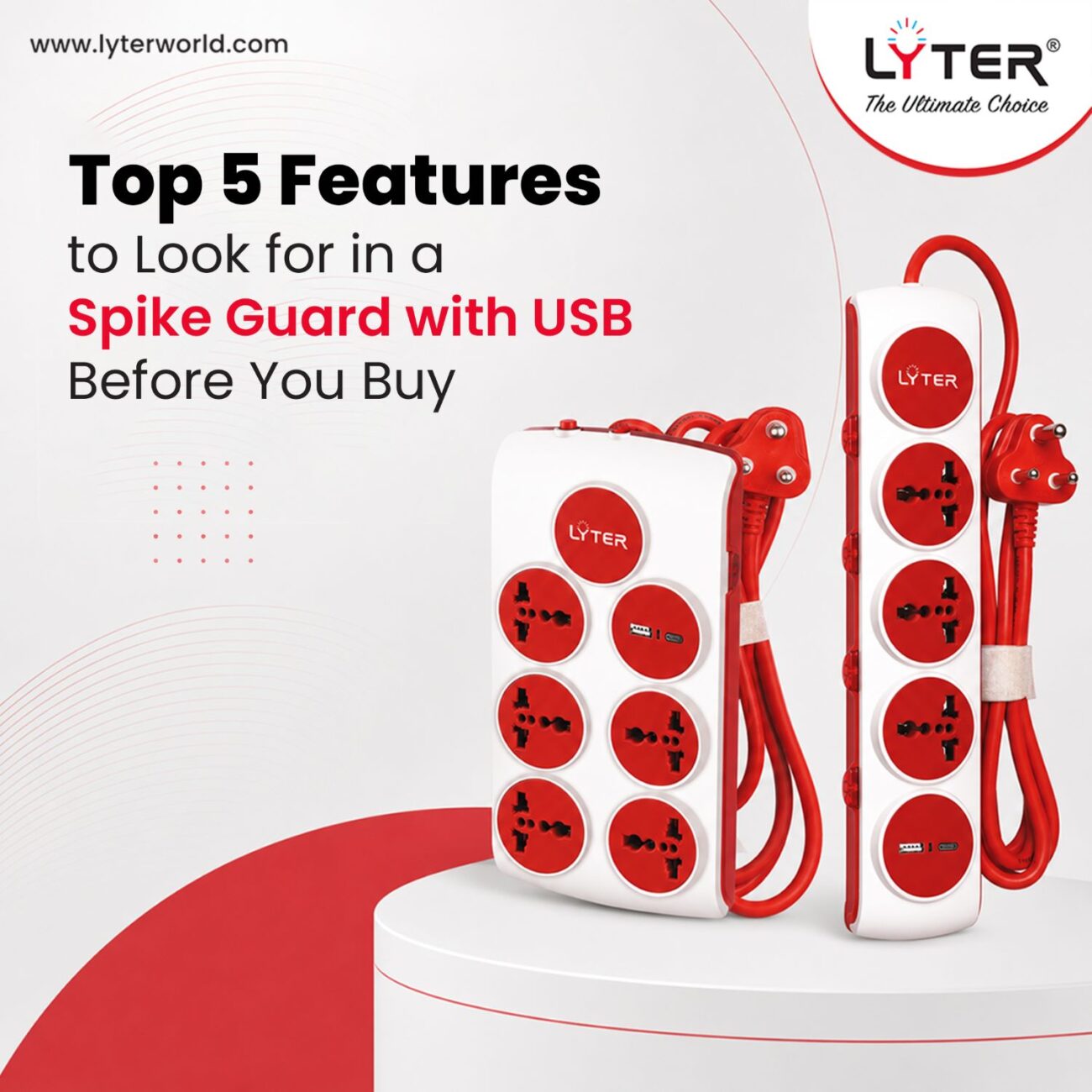
Have you ever found yourself searching for an extra charging adapter while your power strip is already full? Or worried about plugging expensive devices into a basic extension board during a voltage fluctuation? As our homes and workspaces become increasingly dependent on multiple electronic devices, choosing the right power solution is more important than ever.
A spike guard with USB does much more than provide extra sockets. It helps protect your devices, keeps your setup organized, and allows you to charge multiple gadgets conveniently. But with so many options available, how do you know which one is worth buying? Here are five essential features to look for before making your decision.
1. Reliable Surge and Spike Protection
The primary purpose of a spike guard is to protect connected devices from sudden voltage spikes and power surges. These fluctuations can damage electronics like laptops, televisions, routers, and gaming consoles.
Always choose a spike guard that offers dependable surge protection so your devices remain safe during unexpected electrical disturbances.
2. Built-in USB Charging Ports
One of the biggest advantages of a spike guard with USB is the convenience of charging smartphones, tablets, smartwatches, and other USB-powered devices without needing multiple adapters.
Dedicated USB ports help reduce clutter, free up electrical sockets, and make charging faster and more organized, especially in homes, offices, and study spaces.
3. Multiple Universal Power Sockets
Today’s households often use several devices at once. Look for a spike guard that provides enough sockets to accommodate your daily needs.
Models with universal socket compatibility are even more practical, allowing you to connect devices with different plug types. Whether you’re charging a laptop, powering a monitor, or plugging in a kitchen appliance, having multiple outlets offers greater flexibility.
4. Safety Features That Matter
Electrical safety should never be compromised. A quality spike guard should include features such as:
- Master power switch
- LED power indicator
- Fire-resistant body
- Durable construction
- Secure socket design
These features not only improve safety but also enhance the overall lifespan and reliability of the product.
5. Cable Length and Build Quality
A spike guard is only useful if it can comfortably reach where you need it. Consider your room layout before choosing the cable length.
Longer cables provide flexibility for larger rooms, while shorter ones help keep desks and workstations tidy. Also, pay attention to the quality of the cable and housing, as a sturdy build ensures better durability with regular use.
Choosing the Right Spike Guard
Before purchasing, think about how and where you’ll use it.
- For home offices, prioritize USB charging and surge protection.
- For entertainment setups, choose models with multiple sockets.
- For kitchens or shared spaces, select a durable spike guard with sufficient cable length.
- For travel or compact workstations, a lightweight design may be more practical.
Selecting the right product based on your everyday requirements ensures both convenience and long-term safety.
Conclusion
A good spike guard with USB is more than just an extension board, it’s an investment in the safety, convenience, and efficiency of your electrical setup. By focusing on surge protection, USB charging, universal sockets, essential safety features, and durable construction, you can choose a solution that meets your everyday needs with confidence.
At Lyter, thoughtfully designed electrical solutions combine safety, functionality, and reliability to help power modern homes and workplaces.
FAQs
1. Can a spike guard with USB charge multiple devices at the same time?
Yes. Most models allow you to charge multiple USB-powered devices while simultaneously using the electrical sockets, provided the total connected load remains within the product’s rated capacity.
2. Is a spike guard suitable for work-from-home setups?
Absolutely. It helps organize multiple device connections while offering added protection for laptops, monitors, routers, and other office equipment.
3. Does every spike guard support international plug types?
No. Only models with universal socket compatibility are designed to accept multiple plug configurations. Always check the product specifications before purchasing.
4. How often should a spike guard be replaced?
A quality spike guard can last for years with proper use. However, if you notice physical damage, loose sockets, overheating, or reduced performance after repeated surge events, it is advisable to replace it.