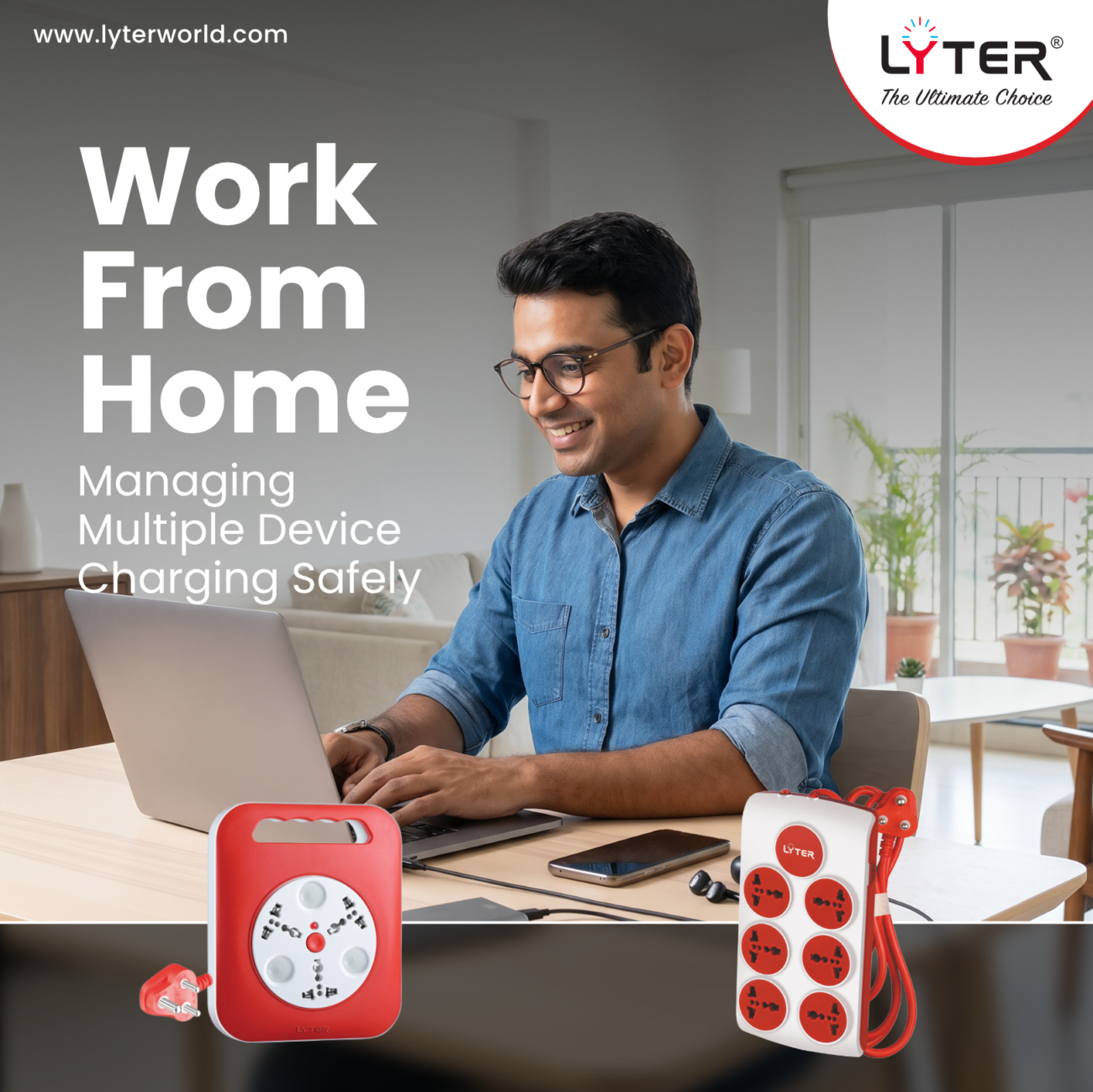
Working from home has changed how we use power every day.
Laptops, monitors, chargers, speakers, Wi-Fi routers, and phones often run together for hours – all from the same charging station.
Without the right setup, multiple devices connected to a single charging station can create clutter, overheating, and unnecessary strain on your electrical system.
This is where using the right power strip extension or universal power strip becomes important – not just for convenience, but for safer everyday usage.
Why Work-From-Home Setups Need Better Power Management
A typical work desk today powers:
- Laptop chargers
- External monitors
- Wi-Fi routers
- Speakers
- Tablets and phones
- Desk lights
The problem?
Most homes weren’t originally designed for a multi-device charging station.
This often leads to:
- Overloaded sockets
- Tangled wires
- Loose connections
- Constant unplugging and switching
The Risk of Overloading a Single Socket
Usage of one station for multiple devices for long hours can create excess heat and unstable connections over time.
Common signs include:
- Warm sockets or plugs
- Frequent sparking
- Loose fittings
- Device charging issues
A safer setup starts with distributing the load properly instead of relying on makeshift “jugad” connections.
Why a Power Strip Extension Helps
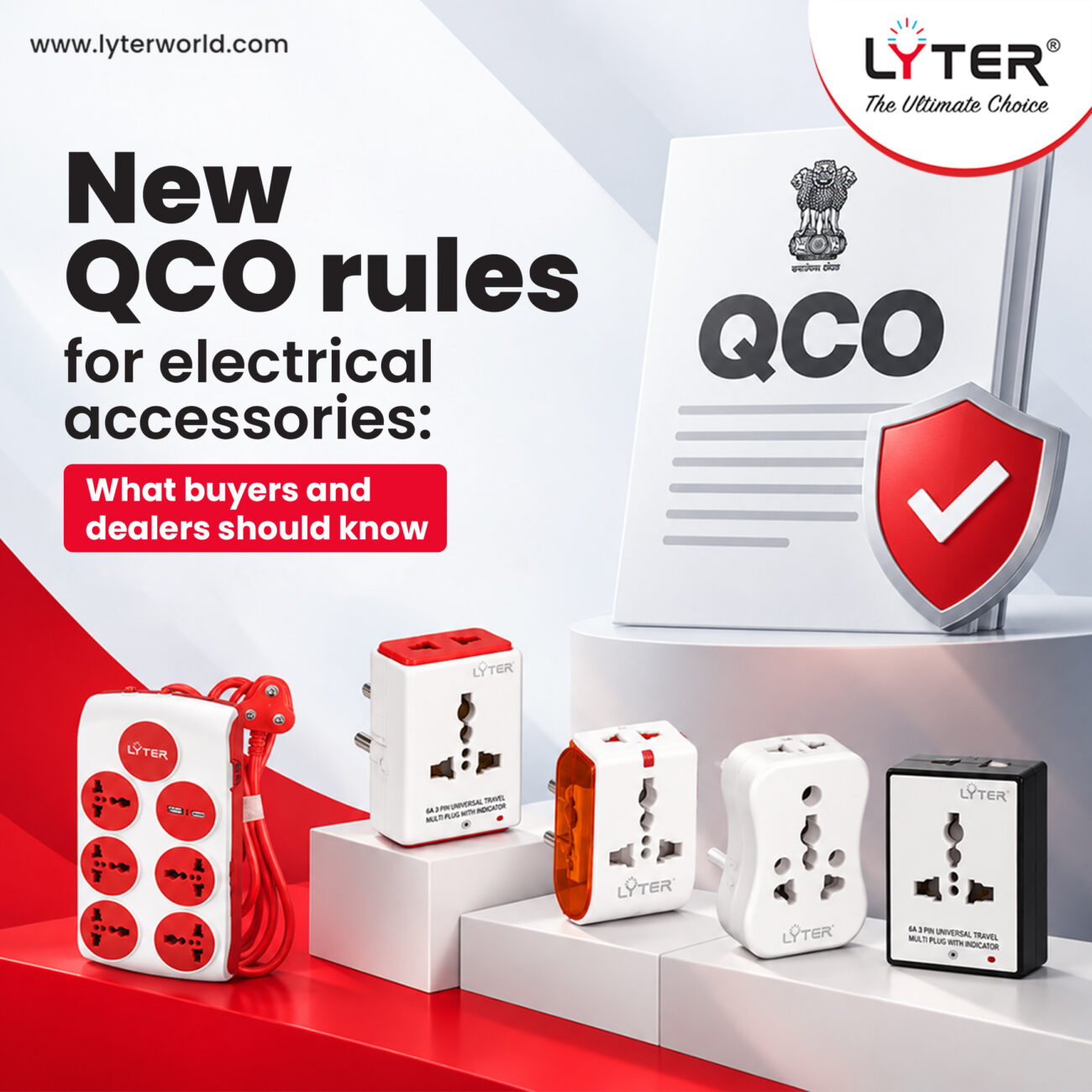
A good power strip extension allows multiple devices to connect safely from one organized unit.
Benefits include:
- Better device management
- Reduced cable clutter
- Easier access to charging points
- Safer load distribution
For modern workspaces, a quality power strip becomes less of an accessory and more of a necessity.
What Is a Universal Power Strip?
A universal power strip supports multiple plug types, making it useful for:
- Different charger formats
- International devices
- Shared workspaces
- Hybrid office setups
This flexibility becomes especially useful if you regularly use imported gadgets or travel devices.
Where Universal Travel Adapters Fit In
People working remotely today often move between:
- Home
- Cafés
- Co-working spaces
- Business travel setups
A universal travel adapter helps maintain compatibility across different socket types while keeping essential devices powered wherever you work.
It’s particularly useful for:
- Frequent travellers
- Remote workers
- Digital creators
- Hybrid professionals
How to Choose the Right Extension Setup
Before choosing an extension setup, consider:
1. Number of Devices
Count how many devices usually run together daily.
2. Load Requirement
Avoid connecting heavy appliances like heaters or microwaves to regular desk extensions.
3. Wire Length
Choose a cord length that suits your setup without stretching cables unnecessarily.
4. Safety Features
Look for:
- Surge protection
- Thermal protection
- Durable build quality
Why Build Quality Matters
Cheap or overloaded extensions can lead to:
- Heating issues
- Loose plug holding
- Power instability
- Reduced device safety
Choosing the best extension cord in India isn’t just about more sockets – it’s about safe, reliable everyday performance.
Simple Work-From-Home Charging Tips
- Avoid daisy-chaining multiple extensions together
- Unplug unused chargers when possible
- Keep wires organised and untangled
- Don’t overload one socket with high-power devices
- Use properly rated power strips for long-hour usage
Small changes can make your workspace cleaner and safer over time.
Conclusion
Work-from-home setups are only getting more device-heavy.
Managing charging safely is no longer optional – it’s part of creating a better workspace.
Using the right power strip extension, universal power strip, or universal travel adapter helps keep your setup organised, efficient, and safer for everyday use.